What Is a Trading Platform?
A trading platform is the software that connects a trader to the financial markets. Through it, traders can view live prices, open and close positions, analyze charts, set risk controls like stop-loss orders, and monitor their account in real time.
Without a platform, there is no way to interact with the market. It sits between you and every trade you place, so understanding how to use it is not optional. It is the most fundamental move in trading.
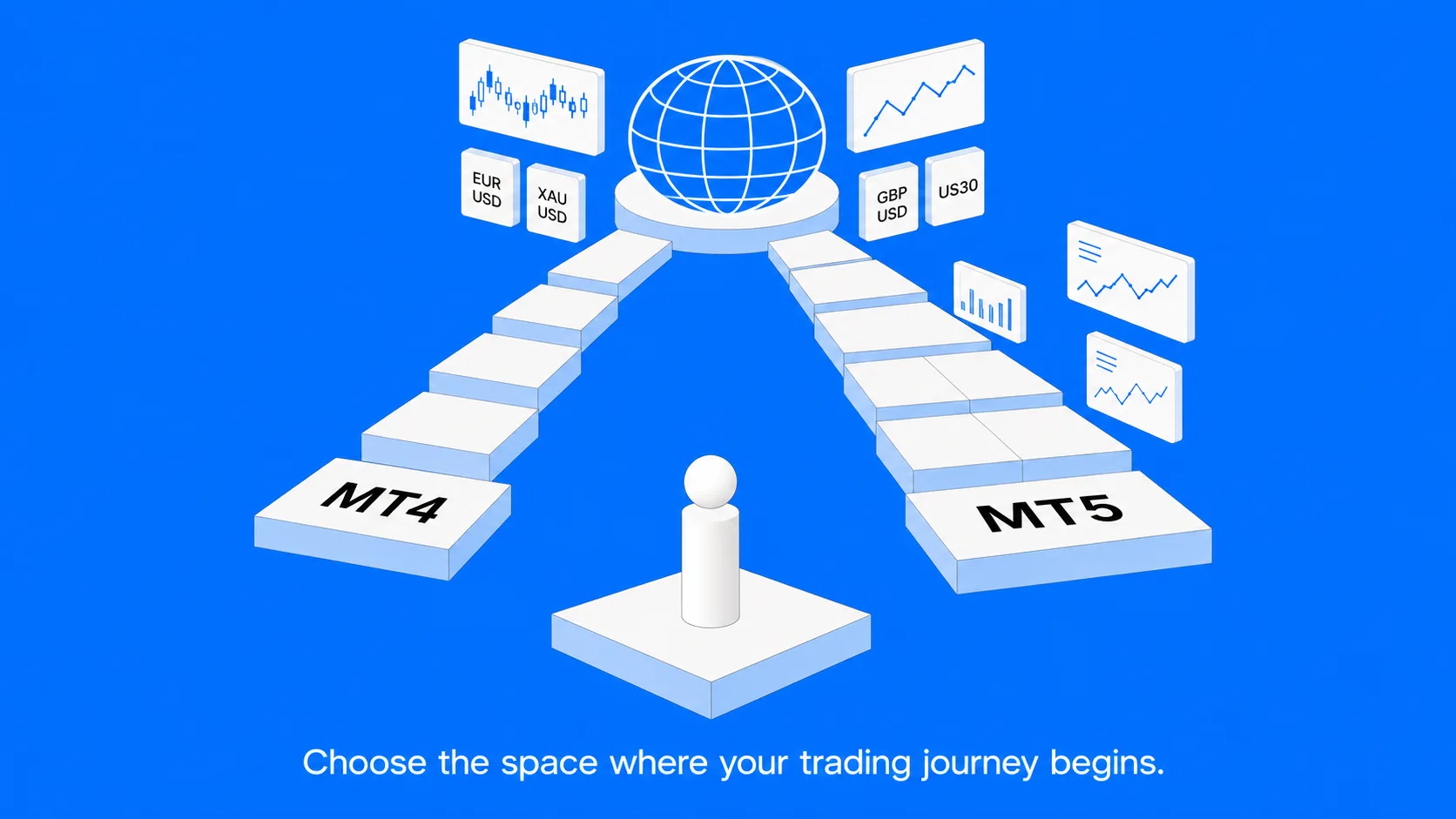
There are several platforms available in the market today, but MT4 and MT5 have remained the dominant choice for retail traders for over a decade. Their reliability, depth of features, availability of tools, and the sheer volume of educational material built around them make them the most practical starting point for anyone beginning their trading journey.
What Is MT4?
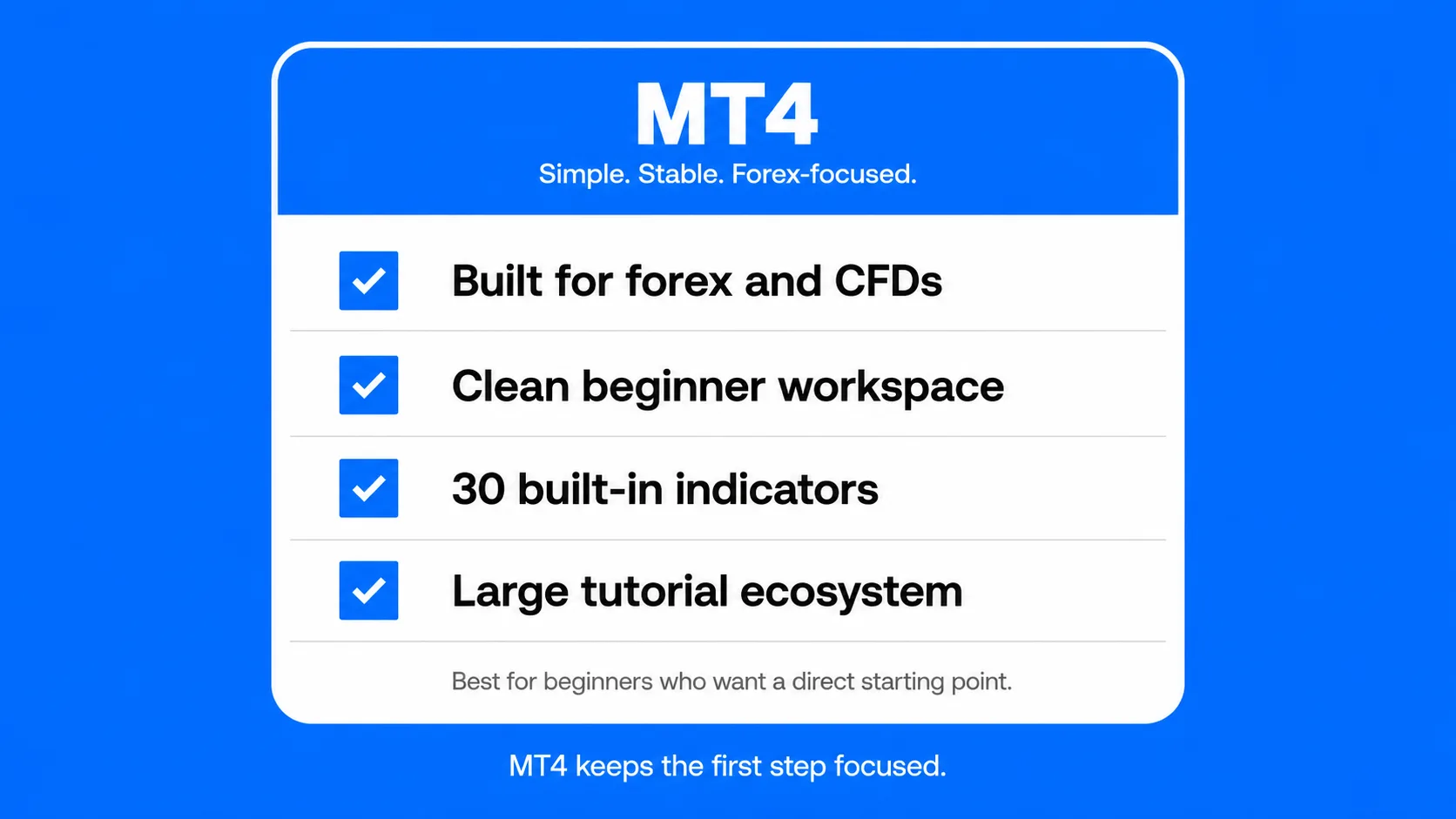
MetaTrader 4, known universally as MT4, was released in 2005 by MetaQuotes Software. It was designed specifically for forex trading and quickly became the global standard for retail traders. More than twenty years later, it remains the most widely installed trading platform in the world.
The reason MT4 has stayed relevant is not nostalgia. It is that the platform does exactly what the majority of retail traders need: Clean charting, reliable execution, flexible order management, and automated trading support, without unnecessary complexity. Brokers, educators, and trading communities worldwide built their entire ecosystems around it, which means the resources available to someone learning on MT4 are unmatched.
For beginner, three things make MT4 particularly practical:
It is simple to navigate. Prices, charts, and account information are all visible in a single workspace without overwhelming the screen.
It is stable. Two decades of refinement mean MT4 rarely crashes, rarely lags, and behaves predictably even during volatile market sessions.
It is well-documented. Nearly every beginner tutorial, webinar, and trading guide published in the past fifteen years uses MT4 as its reference point. Learning on MT4 means the help you need is always one search away.
How MT4 Works
Understanding MT4 starts with its four main components.
The Market Watch
The Market Watch window sits on the left side of the platform. It lists every tradable instrument such as currency pairs, gold, oil, and stock indices alongside their current bid and ask prices. The bid is the price a trader receives when selling; the ask is the price paid when buying. The gap between the two is the spread, which represents the primary cost of most trades.
Traders customize this list to show only the instruments they actively follow, keeping the workspace clean and focused.
Charts
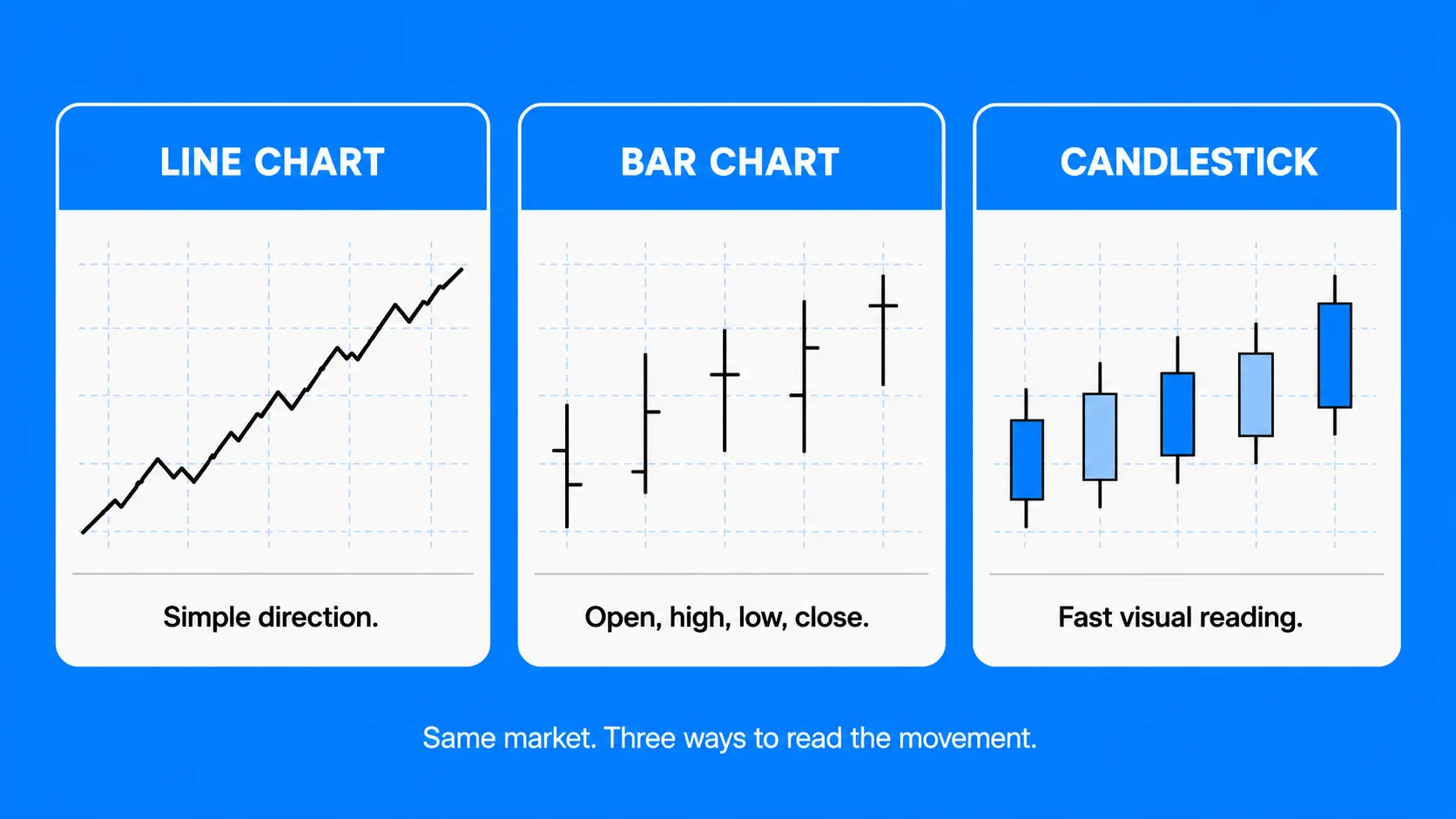
Right clicking any instrument in the Market Watch and pressing on “Chart window” opens a price chart. MT4 offers three chart formats:
- Line charts – a simple visual of closing prices over time, useful for a quick directional overview.
- Bar charts – each bar represents a time period, showing the open, high, low, and closing price of the period.
- Candlestick charts – the preferred chart type of most professional traders. Each candle communicates the same four data points as a bar chart but in a visual structure that is faster to read and easier to interpret immediately.
Time frames range from one-minute intervals up to monthly views. Switching between them lets traders observe price behavior across different durations, from fast intraday movements to longer-term trends.
Placing and Managing Trades
Opening a trade in MT4 involves four inputs: the instrument, the direction (buy or sell), the position size (measured in lots), and risk controls.
Before executing, a trader sets a stop-loss, the price level at which the trade closes automatically if the market moves against them, and a take-profit, the level at which the trade closes if it moves in their favor. Setting both before execution is not optional for serious traders. It is the baseline of disciplined risk management.
Once open, trades appear in the Terminal at the bottom of the screen, showing the current floating profit or loss, margin used, and live price. Everything needed to manage an open position is visible in one place.
Technical Indicators
MT4 includes 30 built-in technical indicators that traders apply directly to charts to help identify trends, momentum, and entry or exit signals. The most widely used include:
- Moving Averages – smooth out price data to reveal the underlying trend direction.
- RSI (Relative Strength Index) – measures momentum and helps identify when a market may be overbought or oversold.
- MACD – tracks the relationship between two moving averages to spot momentum shifts.
- Bollinger Bands – show volatility by plotting bands above and below a moving average.
- Stochastic Oscillator – compares a closing price to its range over a set period to gauge momentum.
These indicators are accessible from the Insert menu or dragged directly from the Navigator panel onto any chart.
Expert Advisors (Automated Trading)
One of MT4’s most powerful features is its support for Expert Advisors, automated trading programs written in MT4’s programming language, MQL4. An EA monitors the market and executes trades based on pre-programmed rules, without the trader needing to be at their screen.
Beginners do not need to use EAs immediately. But the MT4 community has produced thousands of them over the years, ranging from simple tools that automate stop-loss management to complex strategies that run entirely without human input. As trading experience grows, this ecosystem becomes increasingly valuable.
What Is MT5?
MetaTrader 5, also known as MT5, was released by MetaQuotes in 2010 as the next evolution of their platform. Despite being newer and technically more advanced, MT5 did not replace MT4. It expanded the scope of what a retail trading platform could cover.
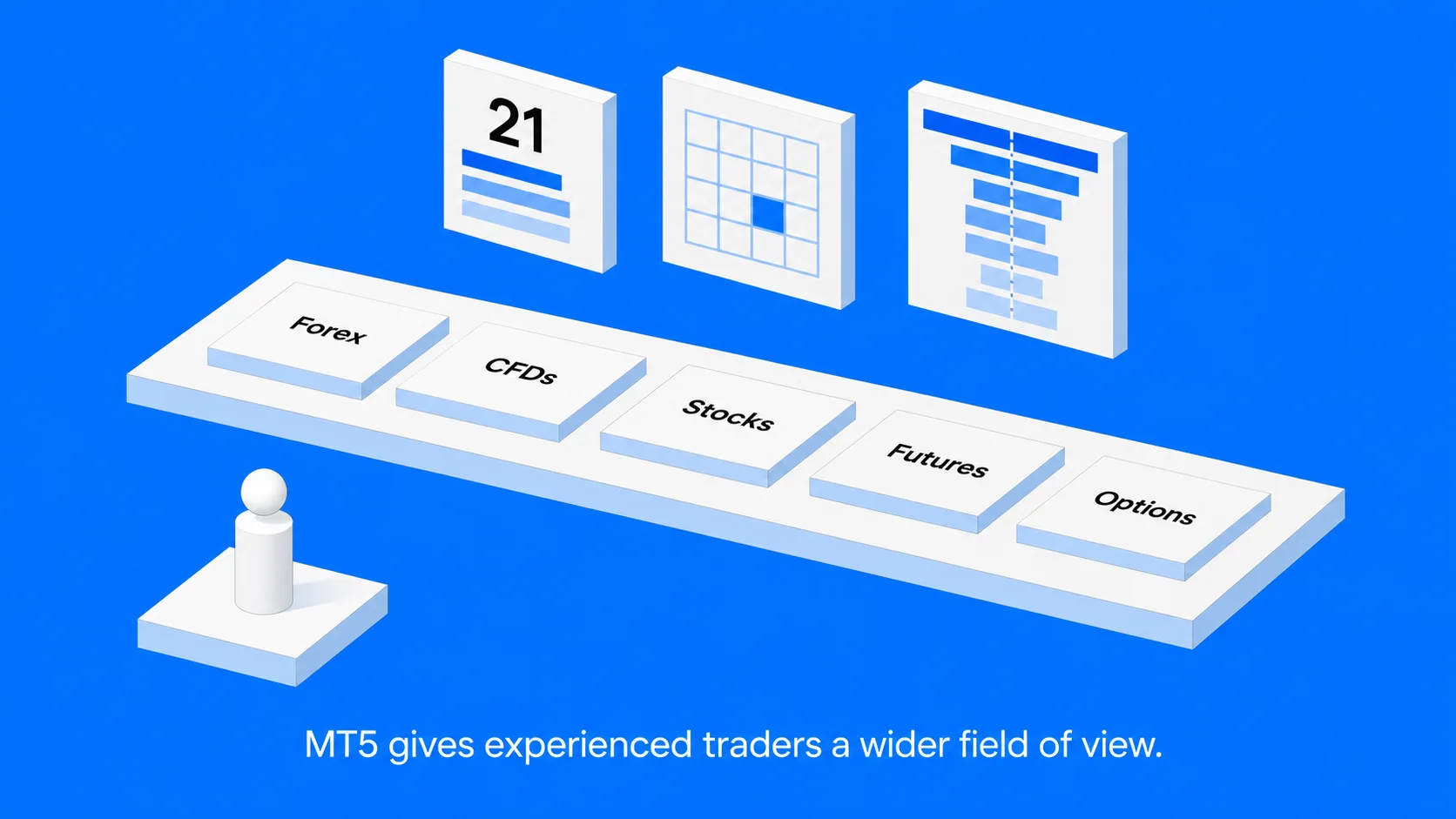
Where MT4 was designed around the forex market, MT5 was built for traders who want access to a broader universe of assets, including exchange-traded stocks, futures contracts, and options, alongside the forex and CFD instruments MT4 handles.
MT5 also introduced more analytical tools, a more powerful programming language for automated strategies, and additional order types that give experienced traders finer control over how and when their positions are entered.
For traders who want a multi-asset environment with more analytical depth, MT5 is the more capable platform. The trade-off is that it takes slightly longer to learn, and its additional features can feel unnecessary to someone who just wants to trade EUR/USD and gold.
How MT5 Works
MT5 operates on the same core structure as MT4, Market Watch, charts, trade tickets, and a terminal showing open positions. Anyone familiar with MT4 will navigate MT5 comfortably within a short time. The differences are in the depth and range of what the platform offers.
More Chart Timeframes
MT4 provides 9 chart timeframes. MT5 offers 21, adding shorter intervals like 2-minute, 3-minute, and 4-minute charts, as well as additional longer-term views. Traders who rely on very specific intraday timeframes find this expanded selection particularly useful.
More Built-In Indicators and Drawing Tools
MT5 ships with 38 technical indicators (versus MT4’s 30) and 44 graphical drawing tools, including Fibonacci retracements, trend channels, and geometric shapes, compared to MT4’s 31. For traders who perform detailed technical analysis directly on the platform, this added toolkit reduces the need for third-party charting software.
Six Pending Order Types
MT4 supports four pending order types: Buy Limit, Sell Limit, Buy Stop, and Sell Stop. MT5 adds two more:
- Buy Stop Limit – triggers a buy limit order once price reaches a specified stop level.
- Sell Stop Limit – the same mechanism applied to a sell position.
These advanced orders are designed for traders who want to enter the market at a specific price but only after a prior condition is met, a level of precision that becomes useful as trading strategies grow more sophisticated.
Built-In Economic Calendar
MT5 includes a native Economic Calendar showing upcoming market-moving events, central bank interest rate decisions, inflation reports, employment figures, and GDP releases. Knowing when these events are scheduled is critical for any trader, because major news releases can cause rapid, sharp price movements that catch unprepared positions off guard.
MT4 does not include this feature natively. Traders using MT4 typically consult a separate calendar tool, which adds an extra step to pre-trade preparation.
MQL5 Programming Language
MT5 uses MQL5, a more advanced programming language than MT4’s MQL4. MQL5 allows more complex automated strategies, significantly faster back testing of trading systems, and access to a larger and more active developer community through the MQL5 marketplace. For traders who want to eventually build, test, or purchase automated strategies, MT5’s ecosystem is more capable.
Depth of Market
MT5 includes a Depth of Market window that shows the volume of buy and sell orders sitting at different price levels. This is primarily useful for traders operating in highly liquid markets like exchange-traded stocks and futures contracts, where order flow data provides meaningful information about supply and demand at specific prices.
MT4 vs MT5: Full Comparison
| Feature | MT4 | MT5 |
| Release Year | 2005 | 2010 |
| Primary Use Case | Forex and CFDs | Forex, CFDs, Stocks, Futures |
| Chart Timeframes | 9 | 21 |
| Built-in Indicators | 30 | 38 |
| Drawing Tools | 31 | 44 |
| Pending Order Types | 4 | 6 |
| Automated Trading (EAs) | Yes – MQL4 | Yes – MQL5 |
| Built-in Economic Calendar | No | Yes |
| Depth of Market | No | Yes |
| Beginner Learning Curve | Lower | Moderate |
| Available Educational Resources | Extensive | Growing |
| Best Suited For | Beginners, Forex focus | Multi-asset, advanced traders |
Which Platform Is Right for You?
The honest answer depends on two things: what you plan to trade, and how much experience you already have.
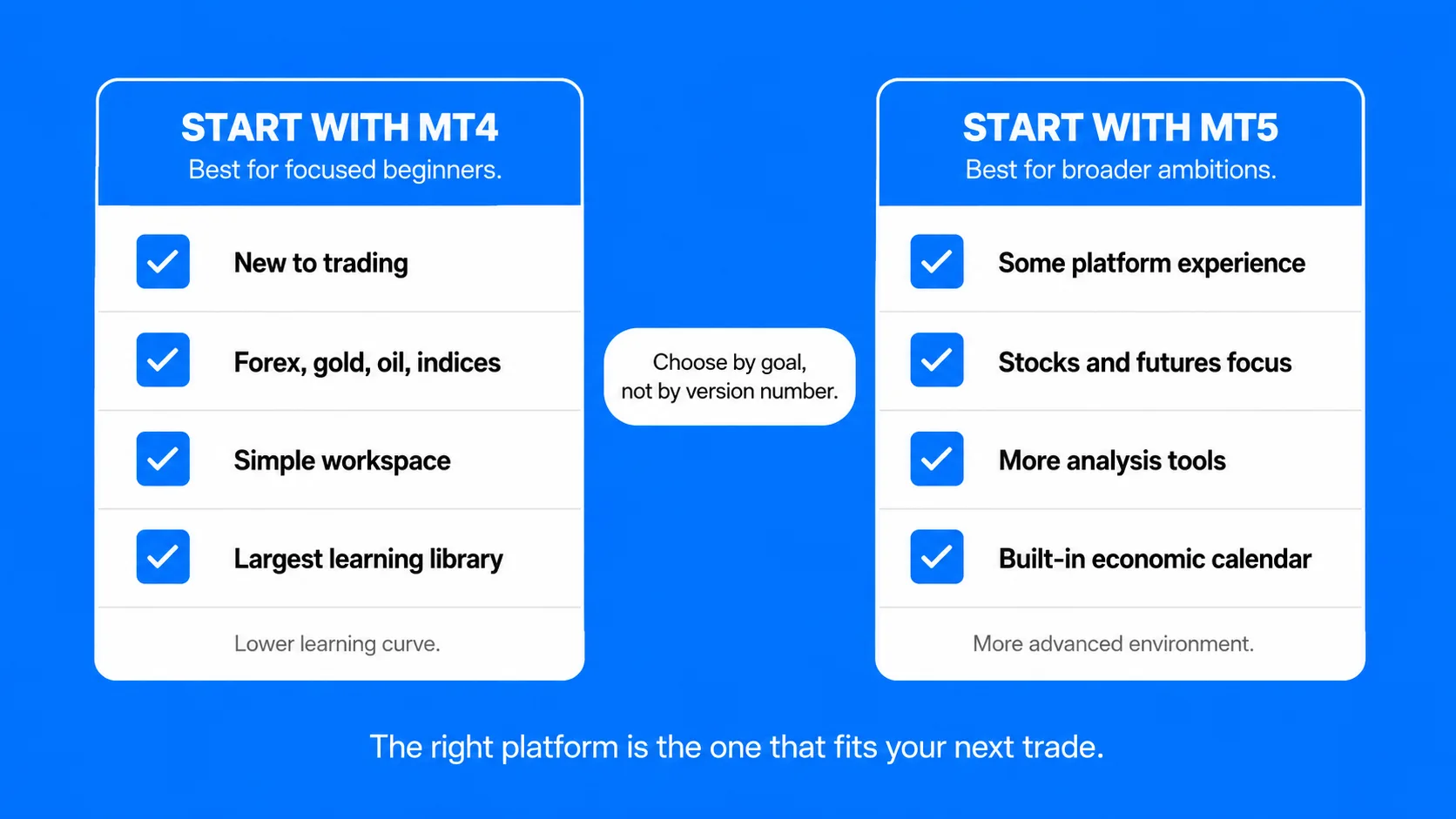
Start with MT4 if:
- You are new to trading and want the shortest possible path from registration to placing your first informed trade.
- Your focus is forex pairs, gold, oil, or CFDs on major indices, the markets MT4 was built for.
- You want access to the largest library of tutorials, guides, and community support built around a single platform.
- A clean, fast, and predictable interface matters more to you than advanced features you may not use for months.
Start with MT5 if:
- You have prior experience with trading platforms and want more analytical depth from day one.
- You specifically want to trade exchange-traded stocks or futures alongside forex and CFDs.
- A built-in Economic Calendar inside your platform is important to your pre-trade routine.
- You plan to develop or use more sophisticated automated strategies and want access to the MQL5 ecosystem.
One practical point worth noting: choosing MT4 now does not lock you into it permanently. Many traders begin on MT4, build their core skills, and transition to MT5 when their strategy demands its additional capabilities. The two platforms share structural similarities that the switch is rarely difficult.
Getting Started
Both MT4 and MT5 are available through UEXO on desktop, web browser, and mobile, so whichever platform suits your trading style, access is straightforward. UEXO’s Standard account starts at a minimum deposit of $50 and includes access to both platforms alongside Copy Trading.
If you are not yet ready to trade manually on MT4 or MT5, UEXO’s Copy Trading platform offers a way to participate in markets by automatically following the strategies of verified, experienced traders, with full transparency over their performance history and complete control over your allocation.
The best starting point for anyone is a free demo account. It gives full access to MT4 or MT5 in live market conditions, with no real money at risk, so the platform stops being unfamiliar long before real capital is on the line.
Can a trader use both MT4 and MT5 at the same time?
Yes. They are separate platforms and can be installed and run simultaneously. Some traders use MT4 for forex pairs and MT5 for stock CFDs, taking advantage of what each does best.
Do MT4 and MT5 require software downloads?
Both offer downloadable desktop applications for Windows and Mac, mobile apps for iOS and Android, and web-based versions accessible from any browser without installation.
Is MT4 being discontinued?
MetaQuotes announced in 2022 that it would stop selling MT4 licenses to new brokers. However, brokers already offering MT4 continue to support it, and existing MT4 users are unaffected. MT4 remains fully functional and widely used.
Which platform is better for automated trading?
Both support Expert Advisors. MT5 uses MQL5, which is faster and more capable for complex automated strategies. MT4 has a larger existing library of EAs already built and available. For beginners exploring automation, MT4’s existing library is more immediately accessible. For traders building their own systems, MT5’s MQL5 is the stronger environment.
Does the choice of platform affect which markets are available?
On most regulated brokers, both platforms provide access to the same range of instruments. The platform choice affects how you analyze and manage trades, not which markets are offered.
Is there a cost to using MT4 or MT5?
The platforms themselves are free to download and use. Costs associated with trading come from spreads, commissions (where applicable), and overnight swap fees, none of which are platform fees.
Final Thought
MT4 and MT5 are tools. Like any tool, neither is inherently better, the right one is the one that fits the job and the person using it. For most people starting out, MT4 offers the most direct path from confusion to competence. For those who arrive with experience or specific ambitions around multi-asset trading, MT5 provides the environment to pursue them.
Either way, the platform becomes less important, the more time you spend inside it. The first week feels unfamiliar. By the second month, it feels like a second language. Start with a free demo account, pick a platform, and begin learning how it behaves – because that is the only way to actually get comfortable with it.