Why New Traders Choose UEXO
UEXO gives you one login and access to thousands of markets: forex pairs, gold and oil, stock CFDs, indices, ETFs, and crypto. You do not need to open separate accounts for each product; you choose your account type once and trade everything from there.
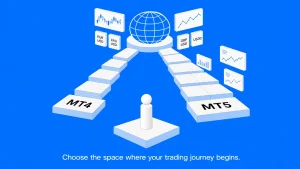
You also get to choose the platform you are comfortable with. If you like the classic MetaTrader 4 layout or prefer the newer features of MetaTrader 5, UEXO supports both, with desktop, web, and mobile access.
And you are not limited to individuals only. Whether you trade in your own name or through a company, there is a path for you: personal accounts for retail traders, and dedicated routes for partners and institutional or corporate clients.
The 3 Step UEXO Journey
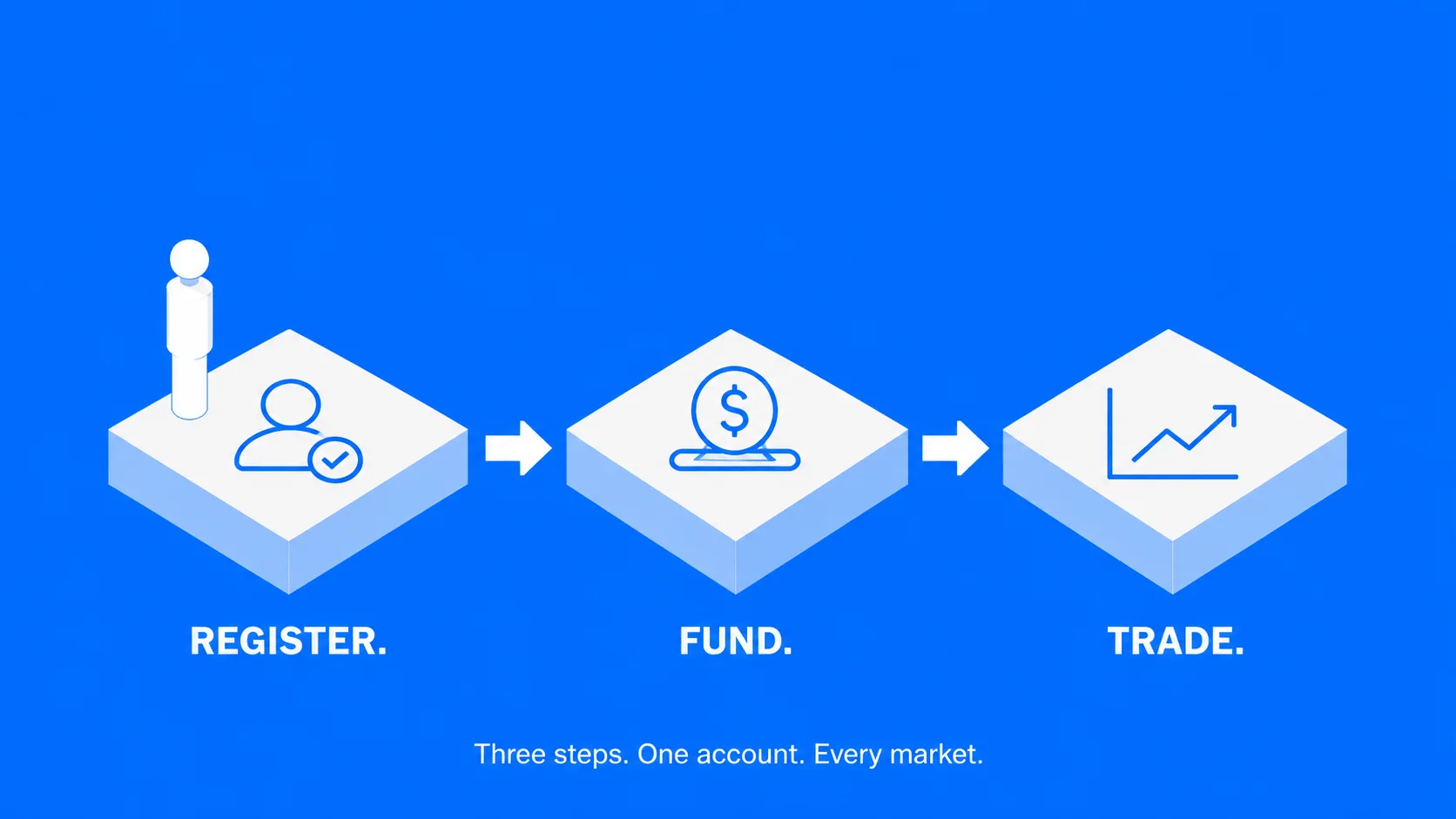
At UEXO, we enjoy keeping things simple. We describe our process as “Three Clicks to the Market,” and it really does boil down to this:
- Register your account
- Fund your account
- Start trading
We will walk through each step in more detail, so you know exactly what to expect.
Step 1 – Create Your UEXO Profile
Start from the official site
Open the official UEXO website in your browser and look for the main action buttons: Get Started, Start Trading, or go to Trading account types and choose your account. They all lead to the same secure sign-up flow.
Fill in your basic details
The registration form is short and familiar. You will be asked for things like:
- Your name
- The country you live in
- Your email address
- Your mobile number
- A password you will use to log in
You tick a couple of boxes to confirm you have read and accepted the terms and risk warnings, and you are done with this step. Please make sure you read them, as they contain important information.
Your country of residence matters here. UEXO does not provide services in every jurisdiction, so the sign-up flow will confirm whether your country is eligible before you go further.
Confirm your email
UEXO sends a quick activation email. Click the confirmation link, set or confirm your password, and you are inside the client area. At this point you have a profile, but you have not opened a trading account yet, nor have you uploaded any documents.
Step 2: Choose Your Trading Account (Standard, Pro, or ECN)
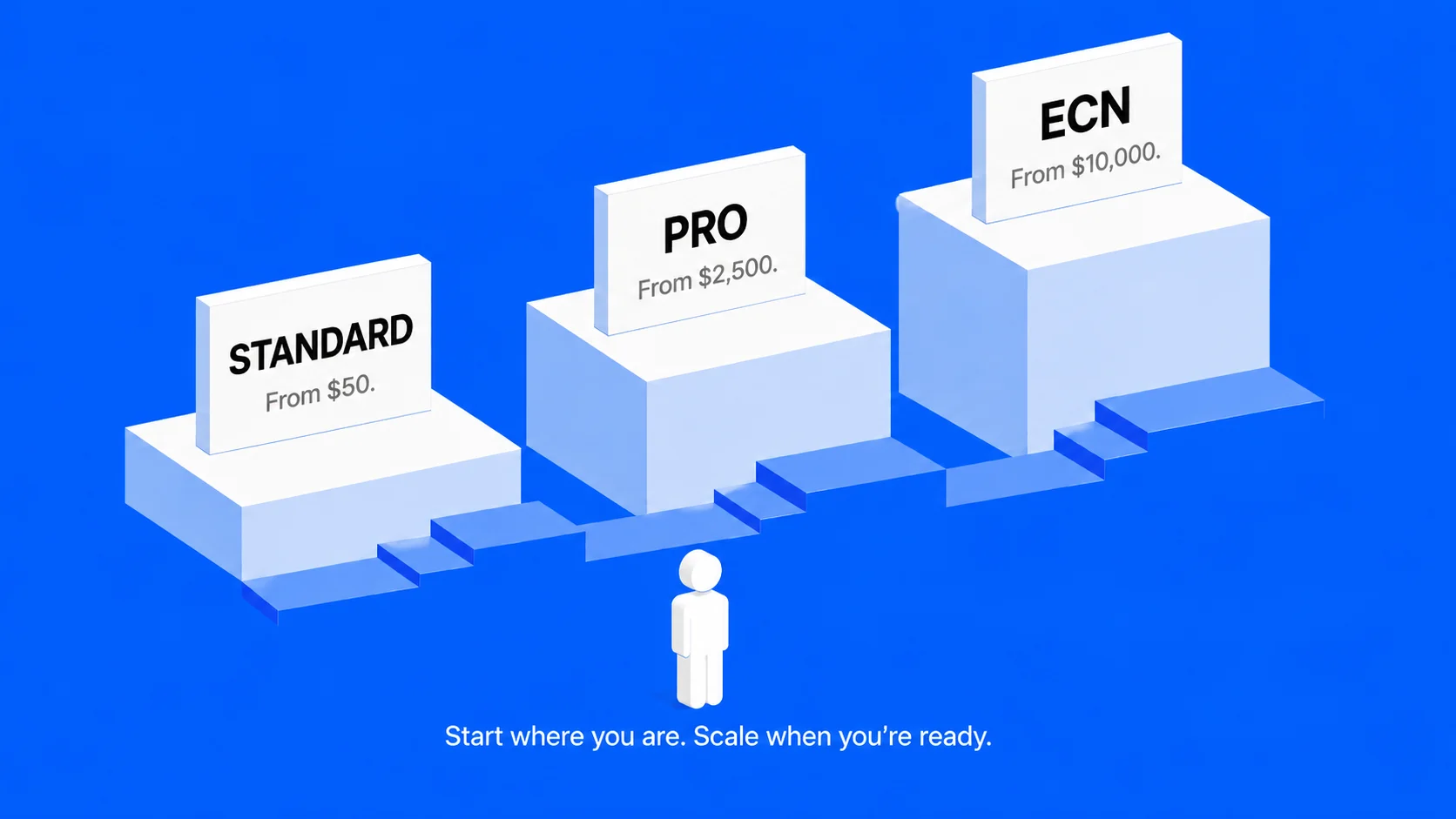
Once you are in the client area, your next step is to open a trading account. At UEXO, we kept it simple for traders, with three main options. You can see the details below.
UEXO account types
Here’s what each account type is designed for:
| Account type | Minimum deposit | What it’s good for |
| Standard | 50 USD/EUR | Your first real trading account; simple pricing, no commissions |
| Pro | 2,500 USD/EUR | Tighter spreads if you’re actively trading or scaling up |
| ECN | 10,000 USD/EUR | Raw spreads for experienced traders and those seeking ultra flexibility |
AED figures are indicative. Deposits are processed in AED at the market rate on the day, so the exact amount charged may differ slightly. Your bank’s own currency charges are separate.
Most beginners start with Standard, so they can test the waters without committing too much capital. You can always add a Pro or ECN account later if you grow into them.
Pick MT4 or MT5
For each trading account you open, you also choose your platform:
- MetaTrader 4 (MT4) if you like the classic, lightweight interface and a large library of indicators and EAs.
- MetaTrader 5 (MT5) if you want more built-in timeframes, additional order types, and a more modern feel.
You can create different accounts on different platforms. For example, one Standard account on MT4 and another on MT5, then decide which you prefer in real use.
Individual, Corporate, and Institutional Pathways
If you are trading personal capital, start with an Individual account. For companies and funds, the Corporate path handles entity-specific documentation through a similar streamlined flow.
For Institutional clients, we provide a high-touch experience. Rather than a standard sign-up, you will be paired with a UEXO Account Manager to personally oversee your onboarding and tailor the setup to your organisation’s specific requirements.
Step 3 – Fund Your Account
Once your trading account is created, the last thing you need to do to start trading is add money to the account.
Adding funds is simple. We offer a variety of payment methods that are bespoke to specific regions and regulations. Find the one that suits your access and finances and proceed with your first deposit.
Across the Middle East and North Africa, deposits are processed in AED and converted to your USD or EUR trading account balance. See payment methods for the options available in your country and how long each one takes.
Verify your identity
Verification is a one-time step. You can register, open a trading account and deposit before completing it, but it must be done before your first withdrawal. Once it is complete, your account is ready to deposit, trade, and withdraw without further checks for routine activity.
What UEXO will ask you for
During verification, the portal will prompt you to complete your profile and upload two simple documents:
- A photo ID: your Emirates ID, national ID card, passport, or driving licence in your name, valid and clearly readable.
- Proof of address: a recent bank statement, utility bill, or similar document showing your name and current address.
A practical note for residents in the region: many expatriates do not have a utility bill in their own name, since it sits with the landlord or the building. If that applies to you, a tenancy contract such as an Ejari in the UAE, a recent bank statement, or a government-issued residence document will normally serve instead. If you are unsure which document works for your country, ask support before uploading.
If you are opening a corporate or institutional account, you will also be asked for company documents and ID for the people who control the business. It is the same idea, just with more paperwork on the company side.
Using Your UEXO Account on MT4 or MT5
Once your trading account is created, UEXO gives you:
- Account number
- Server name
- Trading password
You then log in from MT4 or MT5 like this:
- Install MT4 or MT5 on your device.
- Open it and find “Login to Trade Account.”
- Enter your UEXO account number and password.
- Select the correct UEXO server from the list.
From there, you can see your balance, watch price charts, and place trades directly from your chosen platform.
One detail worth checking early: the platform clock runs on server time, not your local time, and that is what determines when the trading day closes and any overnight charges are applied. Compare it against your own time zone so you are not caught out at the daily rollover.
Individual, Corporate & Institutional Trading Accounts
If you are not sure which account type fits your needs, here is a clear overview of our pathways:
| Type | Who it’s for | Key differences |
| Individual | Private traders using personal capital. | Automated setup using personal ID and proof of residence. |
| Corporate / Institutional | Registered companies and professional trading setups. | Requires entity documentation and KYC for directors and UBOs. |
| Institutional | Hedge funds, banks, and large-scale liquidity providers. | Bespoke onboarding and custom requirements via a dedicated account manager. |
If you are trading your own capital, select an Individual account for the fastest setup. For funds, proprietary structures, or corporate trading operations, proceed via our Corporate or Institutional routes to access tailored liquidity and professional support.
Do I have to verify my account before I can even log in?
No. You can register, log into the client area, open MT4 or MT5 trading accounts, and add funds. Verification becomes necessary when you want to withdraw.
What is the minimum I need to start with?
The Standard account starts from 50 USD/EUR, roughly AED 185 charged to your card. Pro and ECN account types require higher minimums, so if you are new, Standard is usually the best starting point.
AED figure is indicative. Deposits are processed in AED at the market rate on the day, so the exact amount charged may differ slightly.
What currency will my account be in?
Your base currency is USD or EUR, chosen when you open the trading account. Deposits from across the region are processed in AED and converted on credit, so your balance and profit and loss are shown in your chosen base currency rather than in dirhams.
Can I switch from MT4 to MT5 later?
You can open multiple trading accounts in the portal, some on MT4 and some on MT5, and then use the platform you prefer. You are not locked into one forever. We advise you to plan ahead, as you do not have cross-trading capabilities across platforms, and we cannot move positions from an MT4 account to an MT5 account or the other way round.
Can companies open accounts too?
Yes. UEXO supports personal, partner, and institutional relationships. Corporate and institutional accounts go through a more detailed onboarding process but end up on the same trading infrastructure.
Is the account opening a long process?
The registration and account opening part is usually quick. The only part that can take a bit of time is verification, and that mostly depends on how legible and complete your documents are. Bear in mind that most banks across the Gulf close Friday and Saturday, which can affect how quickly a first deposit or withdrawal settles.
Before You Click “Get Started”: A Short Checklist
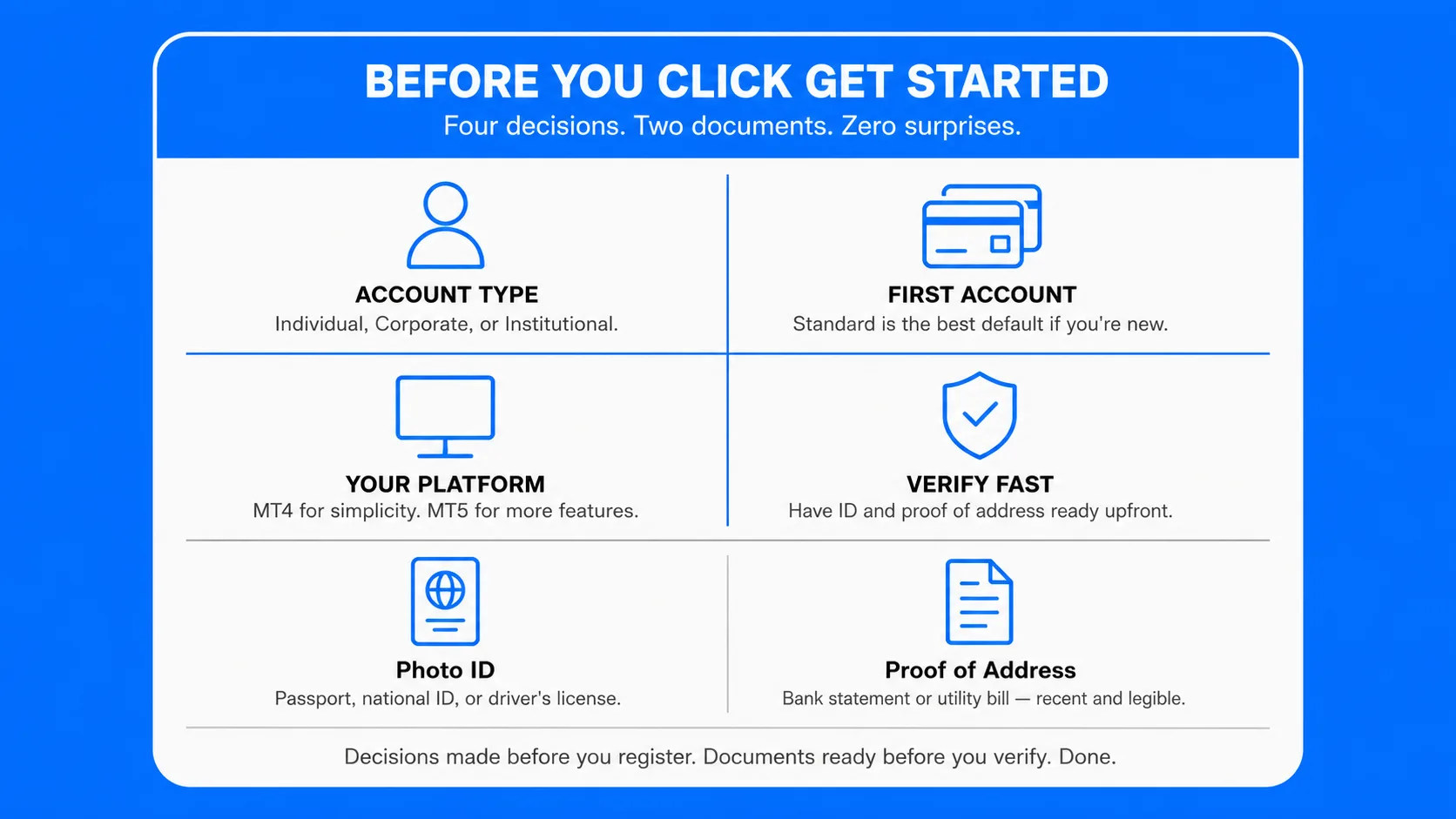
- Decide if you are opening an individual, corporate or institutional account.
- Choose your first account type: Standard is the best default if you are new.
- Pick a platform to start with: MT4 if you like simple, MT5 if you want more features.
- Gather your ID and proof of address so you can verify quickly when you are ready to withdraw. If your utility bill is not in your own name, have a tenancy contract or bank statement ready instead.
- Register from the official UEXO site, open your trading account in the portal, then move to funding to start trading.