What Are Trading Account Types?
A trading account type determines the pricing structure, tools, and functionality you get when you trade. Same broker, same markets, same MT4 or MT5 platform, but three very different cost models depending on which account you choose.
The two main pricing levers are:
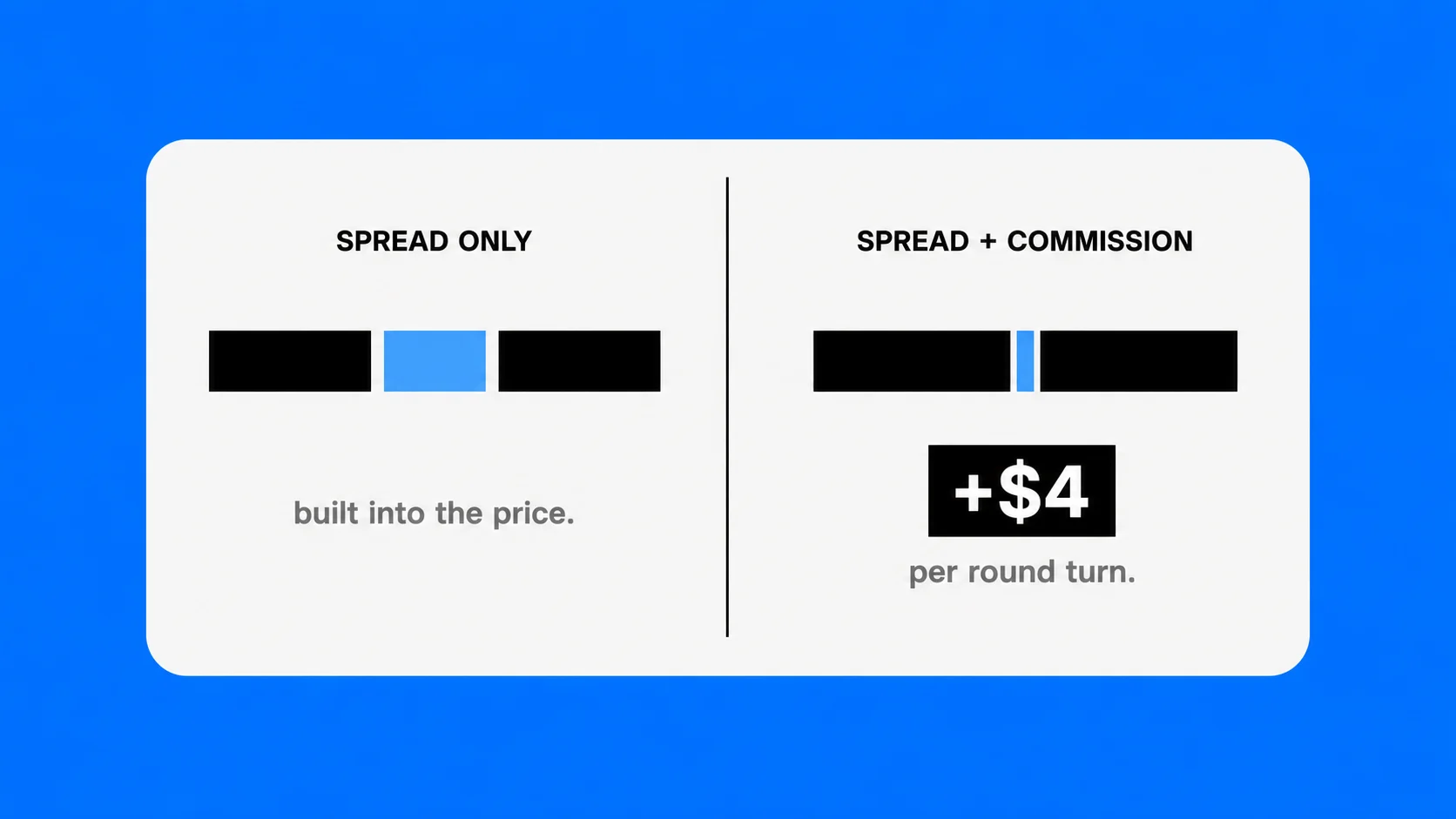
- Spread – the difference between the buy and sell price, built into every trade you take.
- Commission – a fixed charge per lot, on top of the spread, used on ECN-style accounts.
Standard accounts usually have no commission but wider spreads while more advanced account types such as Pro and ECN usually feature lower spreads and more raw pricing but with a commission on every trade.
To understand how these structures compare across the broader market, read our full guide on trading account types and how each model suits different trader profiles.
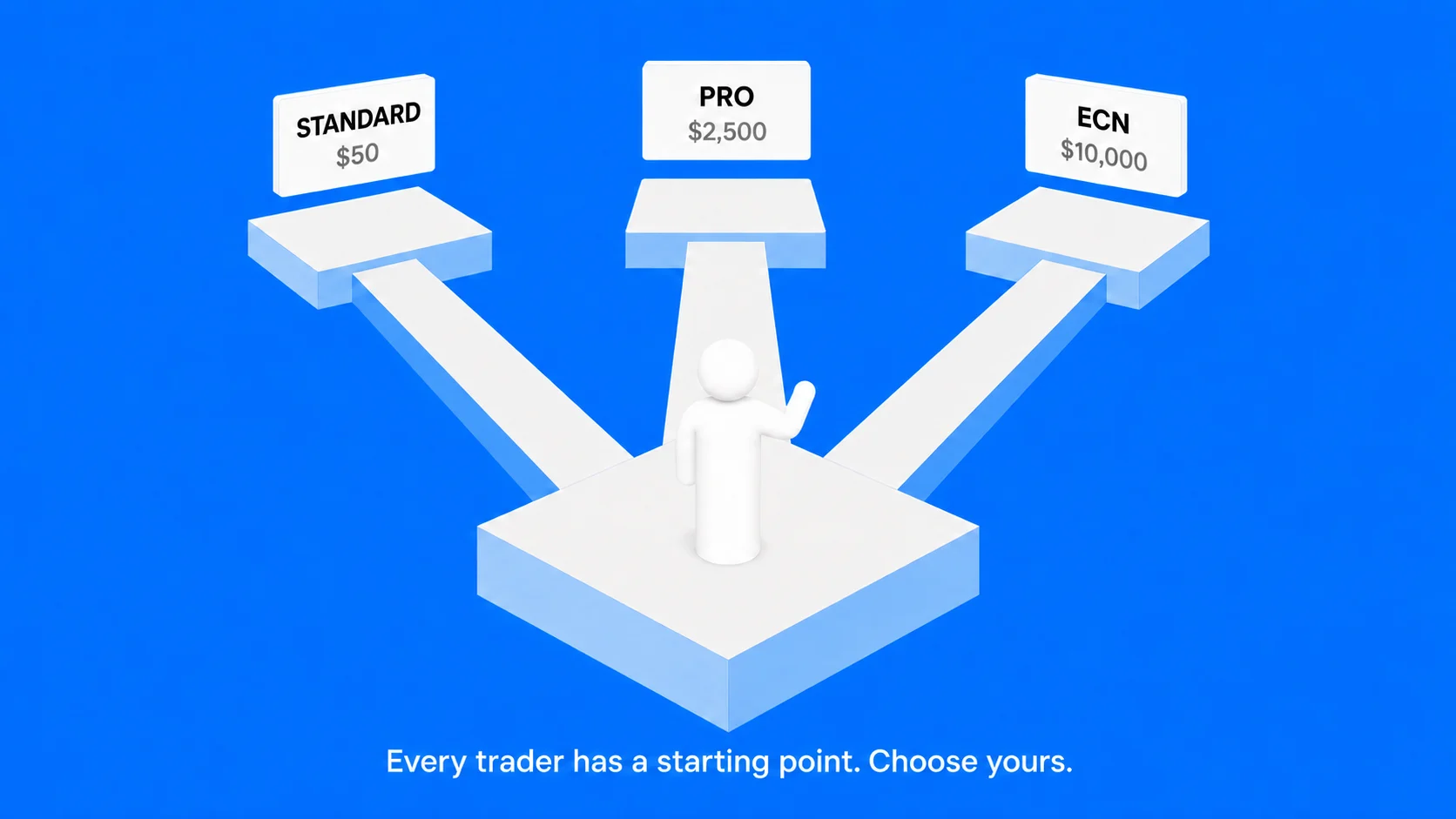
UEXO's Three Account Types at a Glance
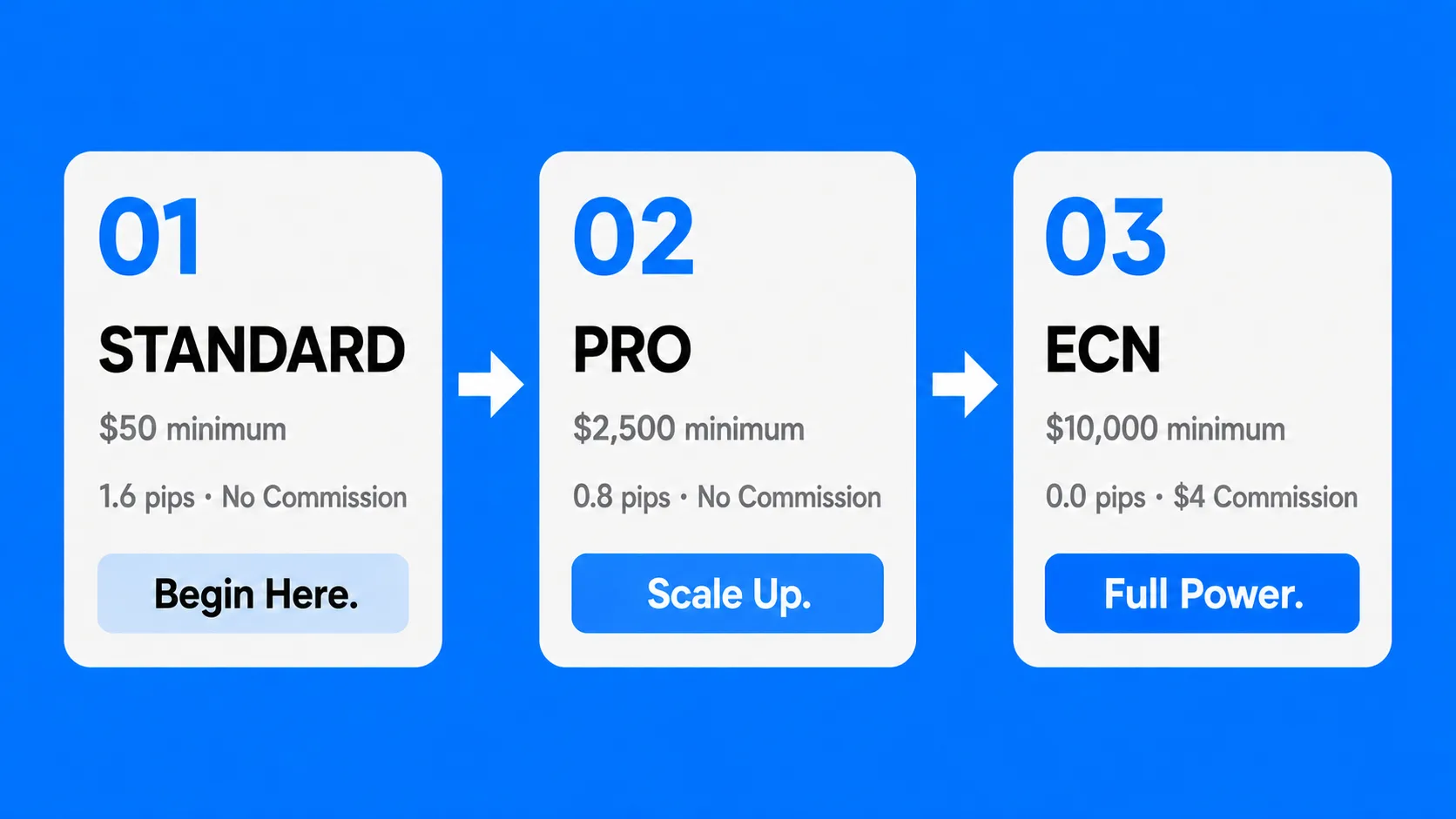
| Feature | Standard | Pro | *ECN |
| Minimum Deposit | $|€ 50 | $|€ 2,500 | $|€ 10,000 |
| Spreads from | 1.6 pips | 0.8 pips | 0.0 pips |
| Commission | None | None | $|€ 4 per RT* |
| Platforms | MT4, MT5, Copy Trading | MT4, MT5, Copy Trading | MT4, MT5, Copy Trading |
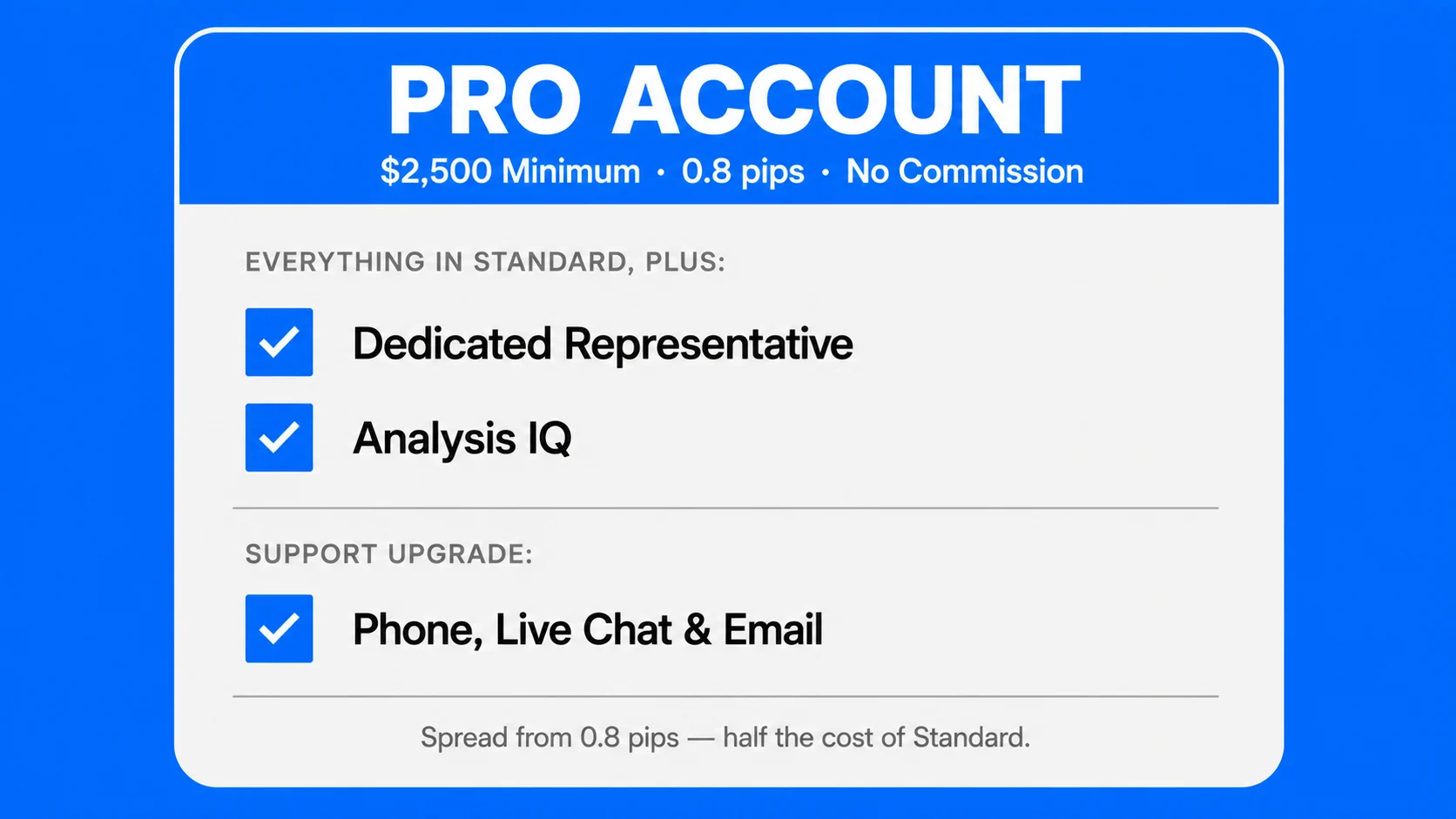
| Dedicated Rep | – | ✓ | ✓ |
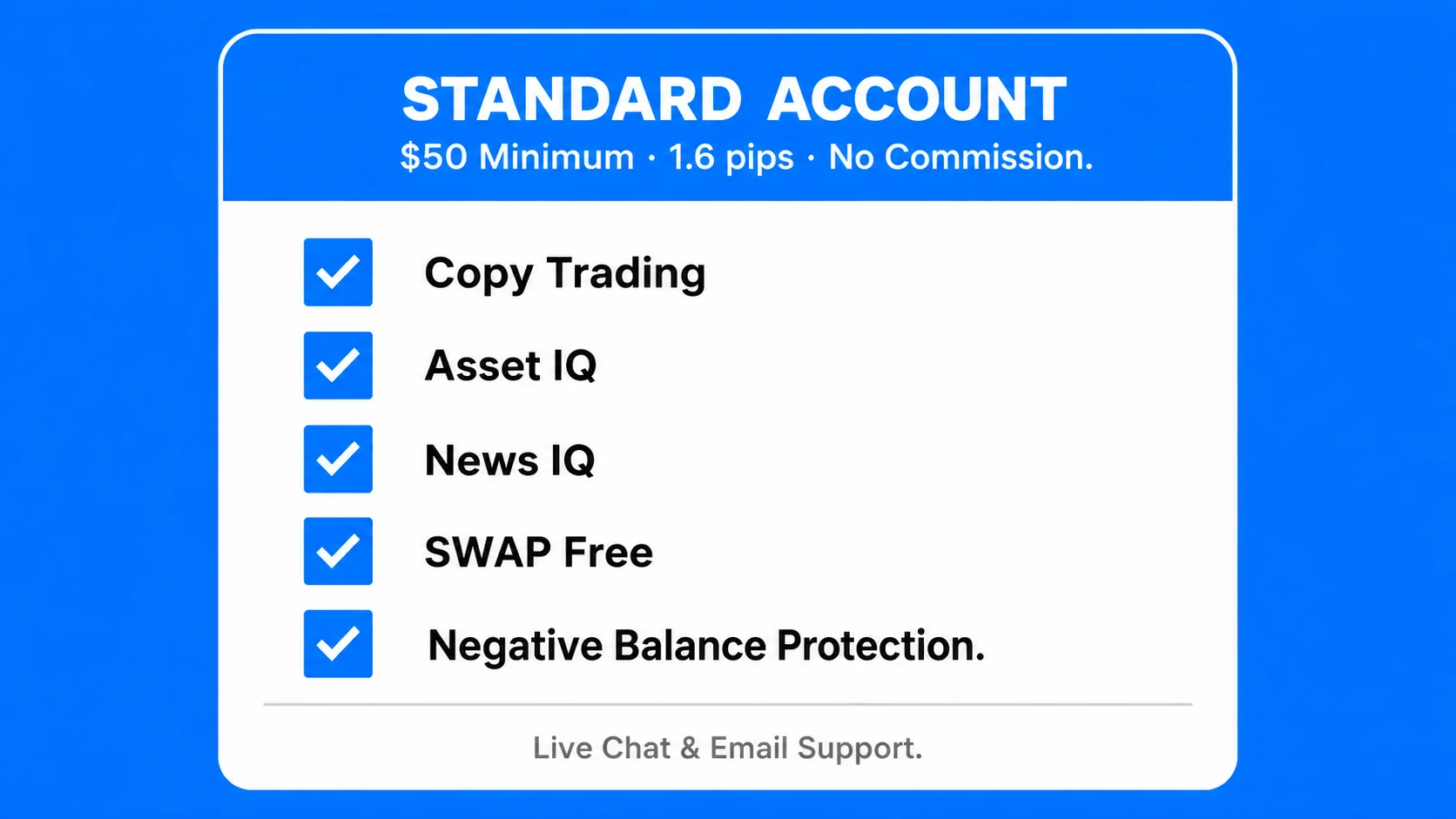
| SWAP Free | ✓ | ✓ | ✓ |
| Copy Trading | ✓ | ✓ | ✓ |
| Asset IQ | ✓ | ✓ | ✓ |
| News IQ | ✓ | ✓ | ✓ |
| Analysis IQ | – | ✓ | ✓ |
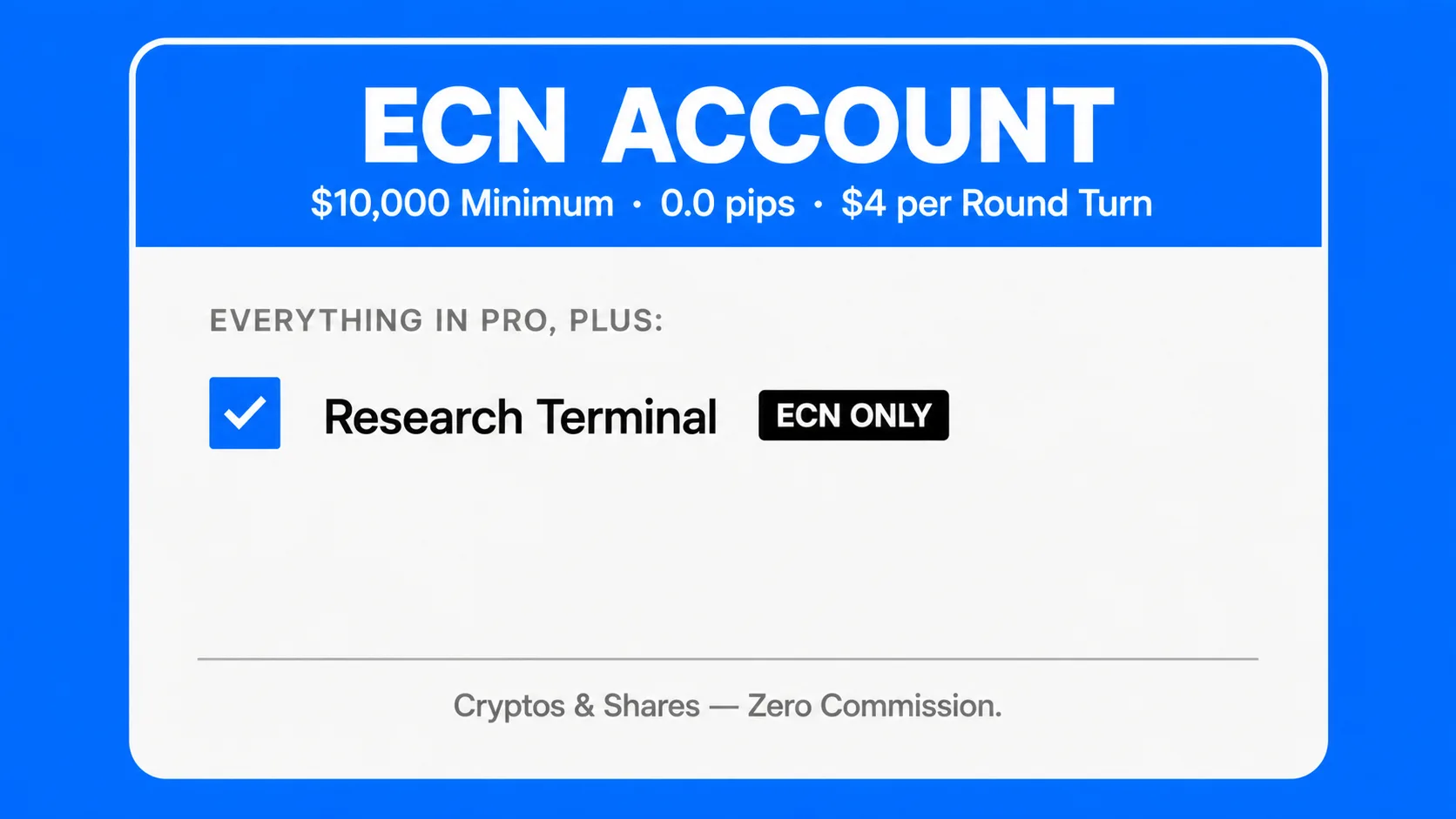
| Research Terminal | – | – | ✓ |
| Support | Live Chat & Email | Phone, Live Chat & Email | Phone, Live Chat & Email |
| **Negative Balance Protection | ✓ | ✓ | ✓ |
*Cryptos and Shares bear no Commission on ECN.
** See your Client Agreement and Risk Disclosure for the terms applicable to your account.
UEXO Standard Account – Who It's for and Why
Minimum deposit: $|€ 50 · Spreads from 1.6 pips · No commission
The Standard account is where most traders should start. It removes unnecessary complexity and gives you a direct, no-hassle way of trading, and away from complicated math that active traders usually do when trading.
You pay through the spread, no commission to think about, no per-lot math before every trade. What you see in the price is what you pay.
This account suits you if:
- You’re opening your first live trading account and want a simple cost structure.
- You have $50–$2,499 to start and want to test live markets without over-committing capital. It’s worth noting that you can always start with a higher amount if you choose to.
- You’re trading manually, part-time, or still refining your approach.
- You want to try Copy Trading on MT4 or MT5 without needing raw spreads yet.
Why it helps at this stage:
Standard includes Asset IQ, Asset Overview, Calendar, and News IQ, a solid research stack for anyone learning how macro events and technical setups could move the markets. Analysis IQ and the Research Terminal unlock at Pro and ECN, but for most new traders those tools aren’t the bottleneck. Discipline and risk management are.
The $50 minimum also means you can start with a real balance, manage real risk, and experience how you respond to live trades, without putting serious capital at risk before you’re ready.
UEXO Pro Account – Who It's for and Why
Minimum deposit: $|€ 2,500 · Spreads from 0.8 pips · No commission
The Pro account cuts the spread nearly in half compared to Standard, from 1.6 pips down to 0.8 pips, with still no commission. That difference becomes significant once you’re trading in regular size.
On a standard lot (100,000 units), you’re paying $8 in spread per round turn instead of $16, on average. Run 50 trades a month and that’s roughly $400 saved every month compared to Standard. At that volume, the Pro account pays for itself.
This account suits you if:
- You have a tested strategy and are scaling up your position size.
- Your monthly volume means Standard spreads are visibly eating into your results.
- You want a Dedicated Representative; someone you can call when something needs attention.
- You’re an intermediate trader who understands why tighter spreads matter at your current size.
Why it helps at this stage:
Beyond better pricing, Pro unlocks Analysis IQ, UEXO’s in-platform analytical toolkit that Standard doesn’t include. You also get phone support alongside live chat and email, plus a dedicated representative who knows your account. Swap Free is built across all account types, so overnight holding is never an issue at any level.
UEXO ECN Account – Who It's for and Why
Minimum deposit: $|€ 10,000 · Spreads from 0.0 pips · $|€ 4 per RT commission
The ECN account is built for traders who need raw pricing. Spreads start from 0.0 pips on major pairs, and you pay a fixed $|€4 commission per round turn. Transparent, predictable, and purpose-built for high-frequency execution.
Math only works in your favor if you’re trading enough size and volume that 0.0 pip spreads offset to the per-trade commission. A scalper running dozens of trades a day will pay significantly less.
This account suits you if:
- You scalp, trade high-frequency, or run automated Expert Advisors on MT4 or MT5.
- Your strategy requires tight entry and exits precision where every fraction of a pip compounds.
- You have $10,000+ allocated to trading and understand commission-based cost structures.
- You want the full UEXO intelligence suite, including the Research Terminal exclusive to ECN.
Why it helps at this stage:
ECN is the only UEXO account with access to the Research Terminal, the most complete analytical environment UEXO offers, alongside Asset IQ, Asset Overview, News IQ, Analysis IQ, and the economic Calendar. If you’re managing capital at scale or trading professionally, having everything in one place matters.
Negative balance protection applies here too, in line with our Client Agreement, an important safeguard against adverse market moves where the eligibility conditions in your account terms are met.
MT4 vs MT5 – Which Platform Should You Choose?
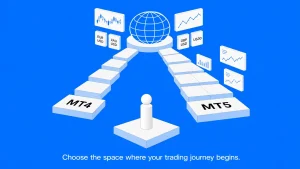
Every UEXO account, Standard, Pro, and ECN, runs both MetaTrader 4 and MetaTrader 5. The choice is entirely yours at account creation.
MetaTrader 4 (MT4) has been the default platform for forex traders for over a decade. Lighter, faster, and simpler, especially on older devices, it carries a massive library of custom indicators and Expert Advisors. If you’re running automated strategies or working with third-party tools, MT4 is the safer compatibility choice.
MetaTrader 5 (MT5) is the newer build with more timeframes, additional order types including depth of market, and a more modern interface. It handles more asset classes natively, useful if you plan to trade UEXO’s stock, index, or commodity CFDs alongside forex pairs.
Neither is wrong. Most new traders start on MT4, then move to MT5 when they want the extra features. You can also run both simultaneously by opening separate accounts inside the same UEXO client area.
Individual vs Corporate vs Institutional Accounts at UEXO
| Individual | Corporate | Institutional | |
| Who it’s for | Personal traders | Companies, funds, professional structures | Hedge funds, banks, and large-scale liquidity providers |
| Account holder | You, in your own name | Your legal entity | Tailored to organizational structure discussed via consultation |
| KYC documents | Personal ID + proof of address | Company docs + ID for directors and owners | Custom requirements provided by your dedicated account manager |
| Account types available | Standard, Pro, ECN | Standard, Pro, ECN | Bespoke institutional accounts with custom liquidity |
| Onboarding route | Personal sign-up flow | Corporate sign-up flow | White-glove service via the UEXO Institutional Desk |
If you are trading personal capital, please select an Individual account. For funds, proprietary structures, or corporate trading operations, we provide specialized onboarding through our Corporate or Institutional pathways
How to Open Your UEXO Account (Step by Step)
Step 1 – Register your profile
Go to the official UEXO website and click “Start Trading“ or any “Open [Account Type] Account“ button. Fill in your name, country, email, phone, and password, accept the terms and risk disclosures, and confirm your email. You’re in the client area; no documents are required yet.
Step 2 – Open a trading account
Inside the client area, click “Open Trading Account,” choose Standard, Pro, or ECN, select your base currency (USD or EUR), and pick MT4 or MT5 as your platform. UEXO generates your account number, server name, and trading password immediately.
Step 3 – Verify and fund
Before you begin trading, the portal will guide you through identity verification, a valid photo ID and a recent proof of address. Corporate clients add company documents on top of that. It’s a quick, standard regulatory step that keeps your account secure and you’re trading fully compliant from day one.
Which UEXO account type is best for beginners?
Standard. Starts from $|€ 50, no commission, MT4/MT5 access, Copy Trading, Asset IQ, and News IQ included. Everything you need without overcomplicating costs.
When does Pro make more sense than Standard?
When your monthly trade volume means tighter spreads save you more than the higher minimum deposit requires. If you’re trading Standard profitably and spread costs are visibly eating into results, Pro is the natural next step.
Who benefits from ECN Trading Account?
Scalpers, high-frequency traders, and algo traders running Expert Advisors on MT4 or MT5. If you’re doing serious volume and need precise entries and exits, 0.0 pip spreads plus $|€4 commission per round turn will beat 1.6 pip Standard spreads at that size every time.
Can I have more than one account type at the same time?
Yes. Open multiple trading accounts inside the same UEXO client area, for example a Standard on MT4 and a Pro on MT5 and manage them all from one login.
Do all three accounts include negative balance protection?
Yes. Standard, Pro, and ECN all include negative balance protection, applied in accordance with our Client Agreement and Risk disclosure, a meaningful safeguard against adverse market moves, subject to the eligibility terms set out in those documents for further information please contact our customer service.